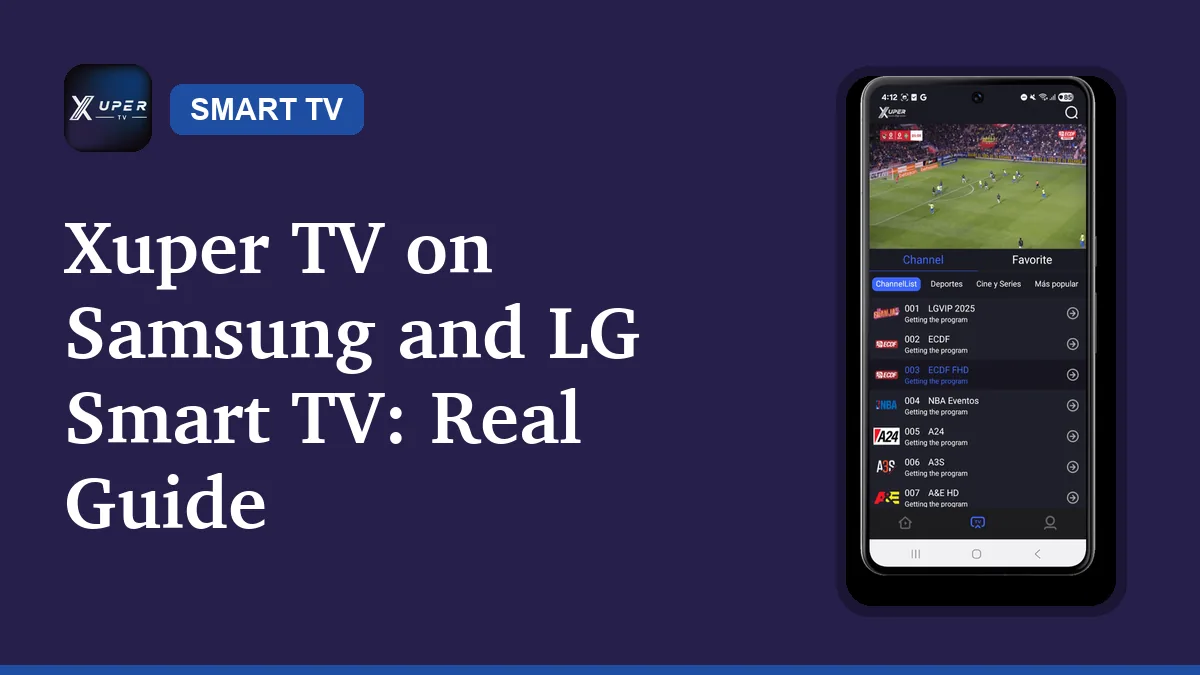
This is the question we get asked most often: I have a Samsung or LG TV, how do I use Xuper TV? The short answer is that it's not installed inside the TV, but watching it on that screen is easy and inexpensive. We'll explain why and the three outputs that work.
Xuper TV APK
Contents of this guide
Why doesn't it install directly?
Samsung TVs use a system called Tizen, and LG TVs use webOS. Neither understands APK files, which are exclusive to Android. That's why you won't find Xuper TV in their app stores, nor will you be able to open the installer from a USB drive: the TV simply doesn't know what to do with it.
Some websites promise to convert the APK or install it using developer mode tricks. This doesn't work and, in the process, can cause problems with your TV. The practical solution is to give your TV a small Android operating system via the HDMI port.
Three ways to watch it on your TV
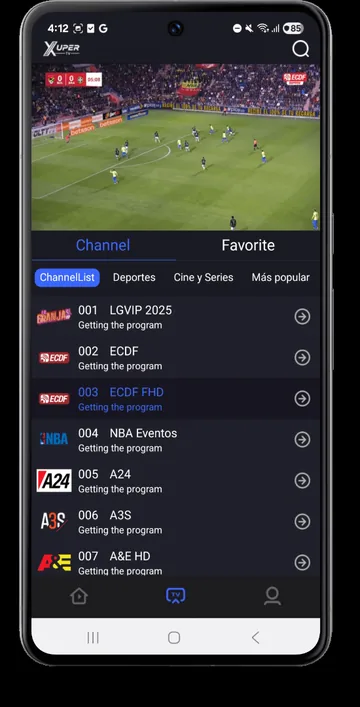
All three use the Xuper TV TV installer, which weighs 32.4 MB and is designed for the remote control. Only the device you connect changes.
Option 1: Fire TV Stick
It's the most popular in Latin America. It connects via HDMI, comes with its own remote control with volume buttons, and works with the TV's input. To install Xuper TV you need the Downloader app and to enable unknown apps in the developer options.
- Connect the Fire TV Stick to the HDMI and power adapter, not to the TV's USB.
- Set up your Wi Fi and your Amazon account.
- Install Downloader and allow it to install unknown apps.
- Open our page from Downloader and download the APK for TV.
Option 2: Chromecast with Google TV
It has its own remote and a Google TV menu, so it works just like an Android TV. Installation is almost identical: Downloader from Google Play, enable unknown sources, and install the TV APK. Be careful with older Chromecast without a remote: those only receive what you send from your phone, as explained in our article on Xuper TV with Chromecast.
Option 3: an Android TV Box
Generic Android set top boxes are the cheapest and usually include an Ethernet port, which is very helpful for live TV. However, the quality varies depending on the brand. Look for one with at least GB of RAM and Android 9 or higher.
Which one is more convenient?
| Apparatus | Self control | Network port | Ease |
| Fire TV Stick | Yeah | With adapter | High |
| Chromecast with Google TV | Yeah | With adapter | High |
| Android TV Box | Yeah | Almost always | Average |
If you want something simple that works right out of the box, choose the Fire TV Stick or the Chromecast with Google TV. If your router is next to the TV and you watch a lot of live football, a TV Box with an Ethernet cable will give you fewer interruptions.
Switch your TV's HDMI input to the one where you connected the device. Many readers think something went wrong when they're simply using the wrong input.
Frequently Asked Questions
1. Can I send an image from my phone to a Samsung TV?
Some models support screen mirroring, but the quality is low and the phone remains busy. An Android device connected via HDMI works much better.
2. Will any HDMI port work?
Yes. If your TV has one marked as ARC, you can still use it; just change the correct input.
3. Does the TV remote control the Fire TV?
Yes, on many models thanks to HDMI CEC. If not, use the remote that came with your Fire TV.