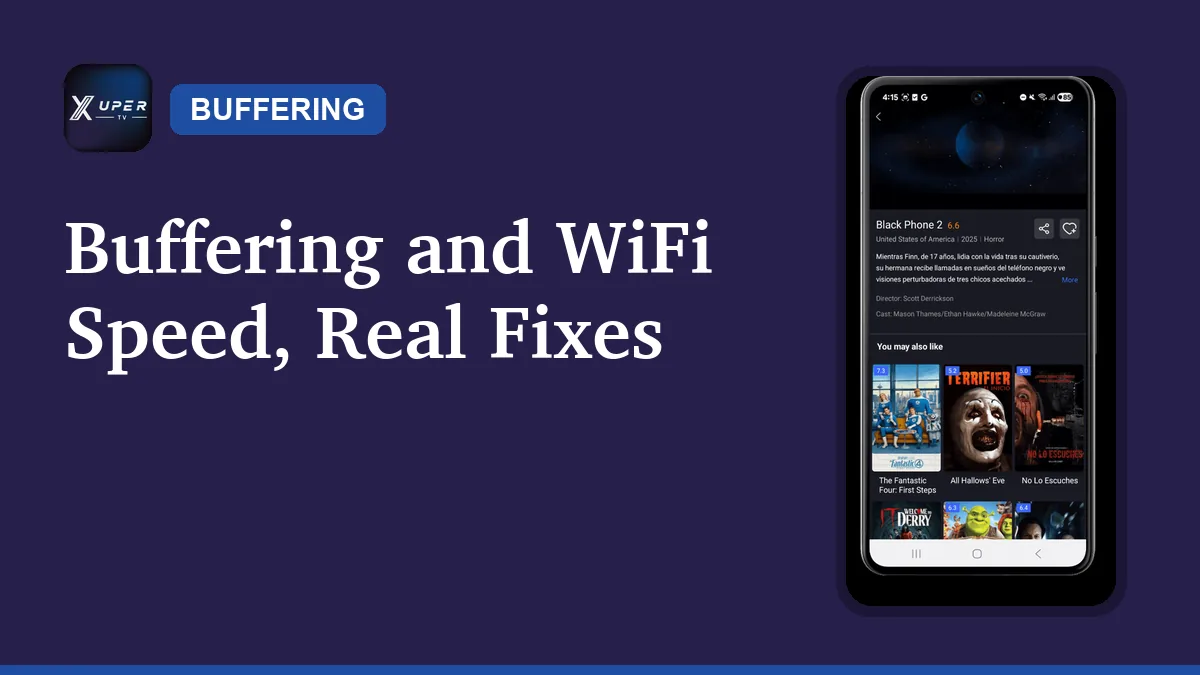
The wheel that keeps spinning right on the goal is the number one complaint with any streaming app. Before reinstalling anything, it's a good idea to figure out where the buffering is coming from: the source, your network, or the device. This guide will help you discover and fix it in five minutes.

Xuper TV APK
Contents of this guide
The three causes of buffering
- The source: The channel or title server is overloaded or down. This affects one channel but not others.
- Your network: the actual speed is either not reached or it cuts out intermittently. It affects everything you watch.
- The device: low memory, full cache, or an overheated TV Box. It worsens with use and improves after restarting.
The quickest test: switch to another channel in the same group. If the other one works fine, the problem was the source. If everything cuts out, keep reading.
Measure your connection
Run a speed test from the same device you use to watch Xuper TV, not from another device. On your TV, you can use your browser or a speed test app from the app store.
| Stable speed | What to expect |
| Less than 5 Mbps | Frequent high definition cuts |
| 5 to 10 Mbps | Good in medium quality, just okay in high definition |
| More than 10 Mbps | Stable high definition if the network doesn't drop. |
Also pay attention to latency and whether the speed fluctuates during the test. A 50 Mbps connection that drops every minute is more problematic than a constant 15 Mbps connection.
Home network repairs
Repairs to the device
- Close all open apps and reopen Xuper TV.
- In Settings, Apps, Xuper TV, tap Clear cache. Do not clear data if you want to keep your favorites.
- Turn the device off from the power outlet for one minute, especially if it is a TV Box or a Fire TV Stick.
- Check that you have version v7.8.1; older versions load new sources less efficiently.
- Free up space if there is less than 1 GB of free space left on the internal storage.
When the problem is the source
If a specific channel cuts out while the rest are working fine, your network isn't the problem. Streams for a major match can get overloaded because many people are tuning in at the same time. Try another channel from the same group, wait a few minutes, or reopen the channel from the list. If many channels stop working after an update, install the new APK from our download page.
On your TV, always use the TV installer for 32.4 MB. The mobile APK for 51.1 MB works on some TV Box, but it's not designed for them and may perform worse.
Frequently Asked Questions
1. Does a VPN improve buffering?
It usually makes it worse, because it adds another step. It only helps if your provider limits the video.
2. Why does it work well during the day and poorly at night?
During peak viewing hours, both your neighborhood and the sources are more crowded.
3. Does lowering the quality help?
Yes. If the source offers several qualities, a lower one cuts much less.